Connect to TradeStation
How to Link Your TradeStation Account to Trade Idea's Brokerage Plus
Before You Begin
Tip: Whether linking to TradeStation Paper or TradeStation Live, the steps are identical. It's recommended to try the Paper trading connection first to get familiar with the process before going live.
Account Connection Requirements
- An active, funded TradeStation account
- Your TradeStation username and password
Account Connection Steps
Click the Brokers Tab in the upper left-hand corner of the Brokerage Plus Window.
Select TradeStation Paper or TradeStation Live from the dropdown, and select Connect.
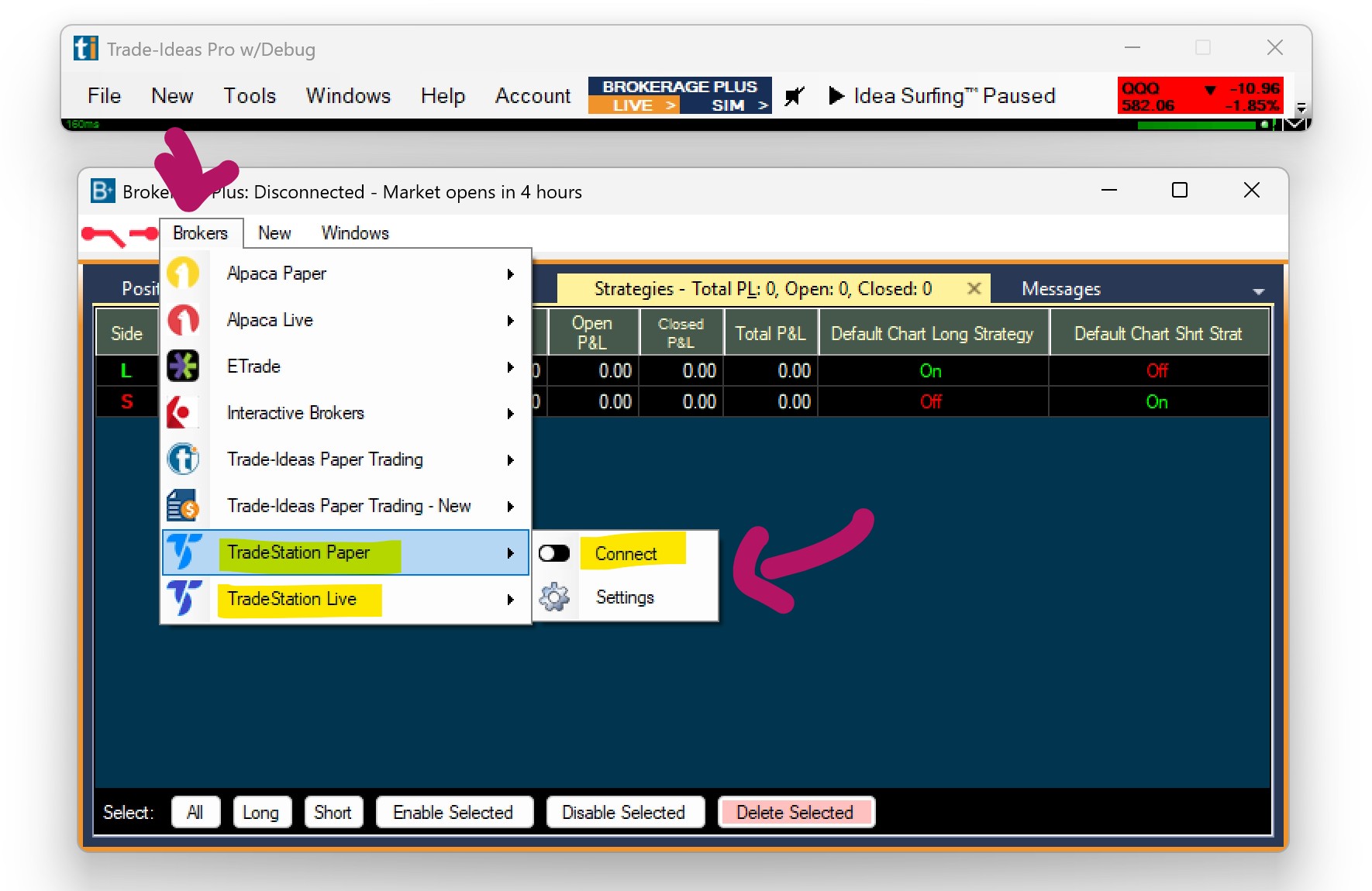
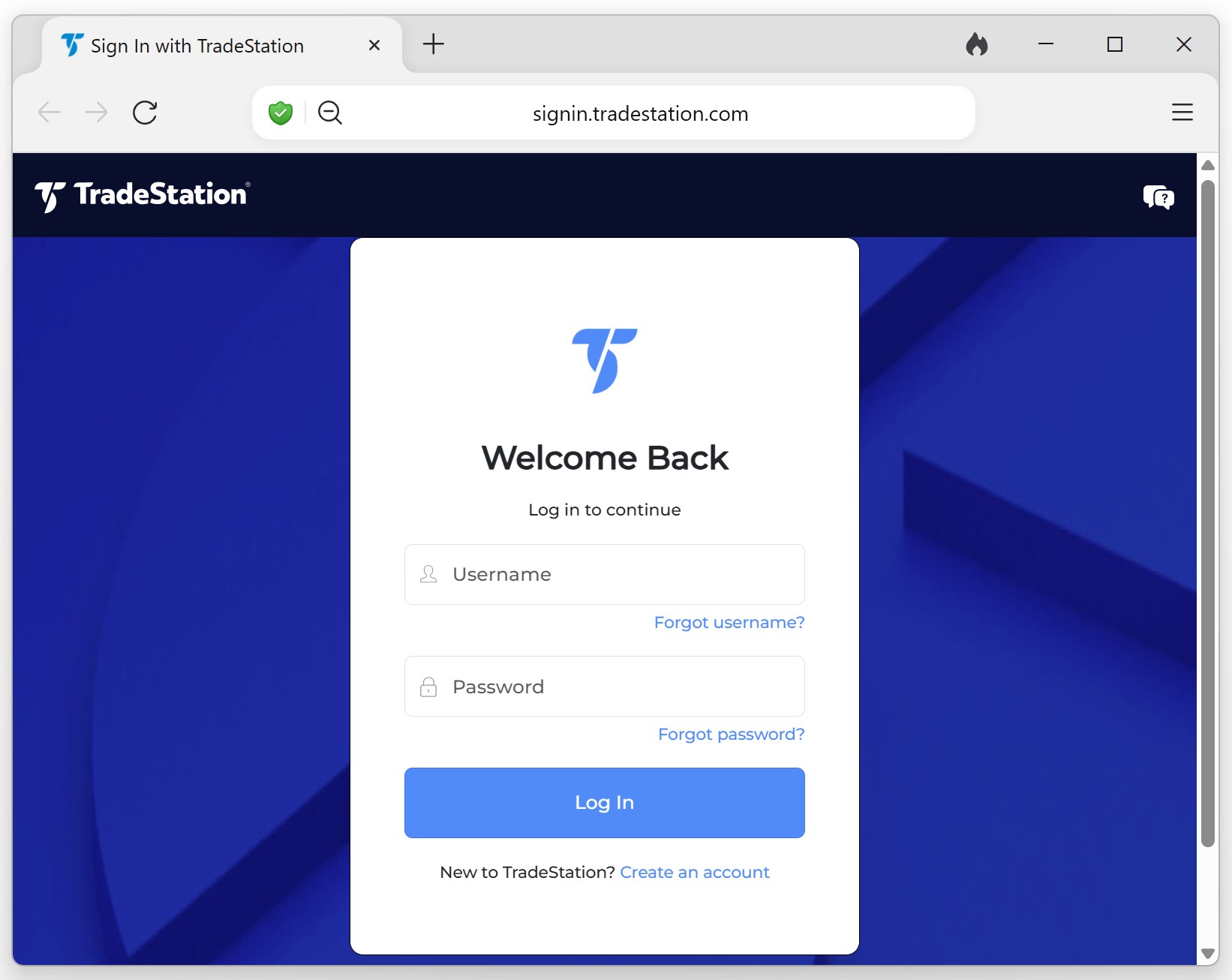
This will open the TradeStation Login Page in your default web browser.
Here, log into your TradeStation Account with your TradeStation username and password, and click Login.
Now You're Linked!
Once logged in, the connection is established. Your portfolio data will sync automatically — no additional setup needed.
Good to Know
- No need to keep TradeStation open — once the web pass-through is complete, your portfolio will be visible directly within Trade Ideas.
- Re-authorization — the connection will remain active for a period of time before asking you to log in again.
